
| Phase | What to do | Planning use |
|---|---|---|
| Before buying | Verify that the existing wiring is compatible with the model you want | Prevents buying a device your system cannot power or control |
| Choosing a device | A smart thermostat is like a programmable one that can also communicate with the internet | Decide whether remote access and automatic adjustment justify the extra cost |
| Winter, at home | Try a setpoint of about 20°C (68°F) | A starting point to adjust for comfort, not a target to force |
| Winter, overnight or away | Set the temperature lower than your at-home setting | This is the core of a setback schedule |
| Summer | Try 25°C (78°F) or higher | Raise the cooling setpoint rather than running the system hard |
| Ongoing | Learning features adapt to when you usually change the temperature | Check that the learned pattern still matches your routine |
Figures above follow guidance from Energy Trust of Oregon and Daikin.
Smart thermostat energy savings depend mostly on the temperatures you choose, the condition of your heating and cooling system and how well the house holds heat. Measure first, check wiring, then set a modest setback schedule.
A thermostat is one piece of a wider plan. For the larger decisions around insulation, systems and retrofits, see how to build a green home.
Before you buy: measure where energy goes
Measuring comes before buying, because a thermostat only controls heating and cooling. If your electricity use is driven by something else, a new thermostat will not show it. Start by deciding what question you want answered, then pick the tool that answers it.
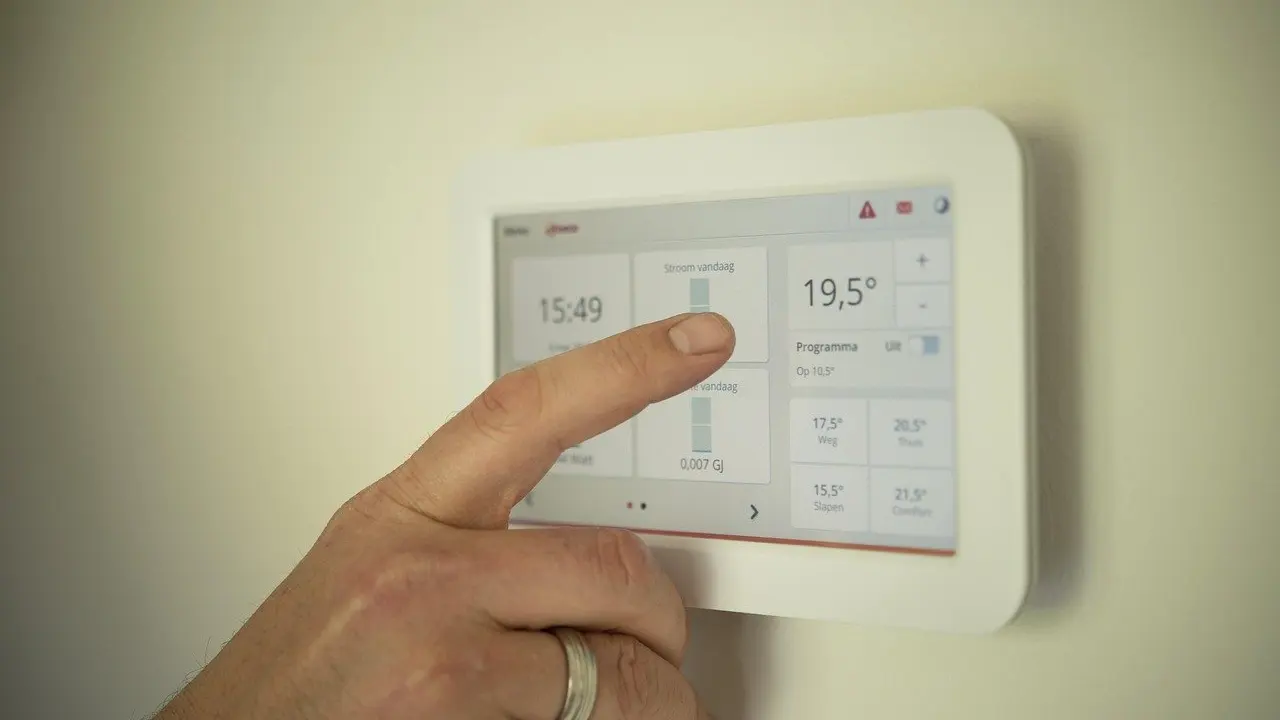
- Thermostat summary: many smart thermostats provide a monthly summary of energy use, according to Efficiency Smart. This is useful for seeing how your heating and cooling habits change, but it describes the thermostat’s own system, not the whole home.
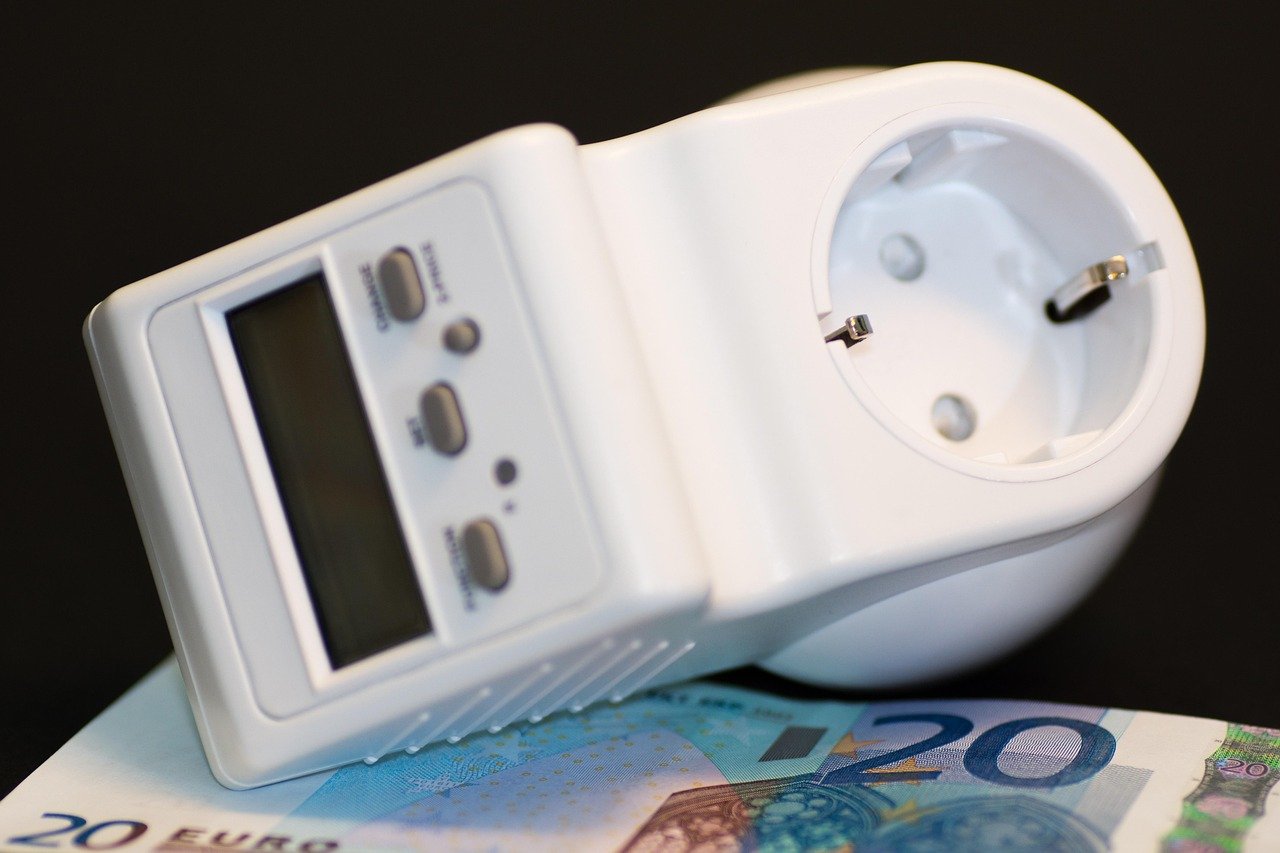
- Plug-in meter: a plug-in energy meter has a socket on top and a display with control buttons. It reads one appliance at a time, so it suits checking a fridge, a space heater or a desktop setup.
- Whole-house monitor: this type uses current sensors at the electrical panel to read the home’s overall use. It is the better choice when you want to see the total and its daily pattern. Work inside a panel belongs to a licensed electrician.
For most households the best way to monitor electricity use at home is to match the tool to the question. Use a plug-in meter for suspect appliances, a whole-house monitor for the overall picture and the thermostat’s own summary for heating and cooling. Starting with measurement also stops you from crediting or blaming the thermostat for changes caused by something else.
Choosing the device: smart or programmable
A smart thermostat is similar to a regular programmable thermostat except that it can communicate with the internet, as Energy Trust of Oregon explains. That connection is what enables remote adjustment and the extra features described below. A programmable thermostat simply follows the schedule you enter.
What the smart features add
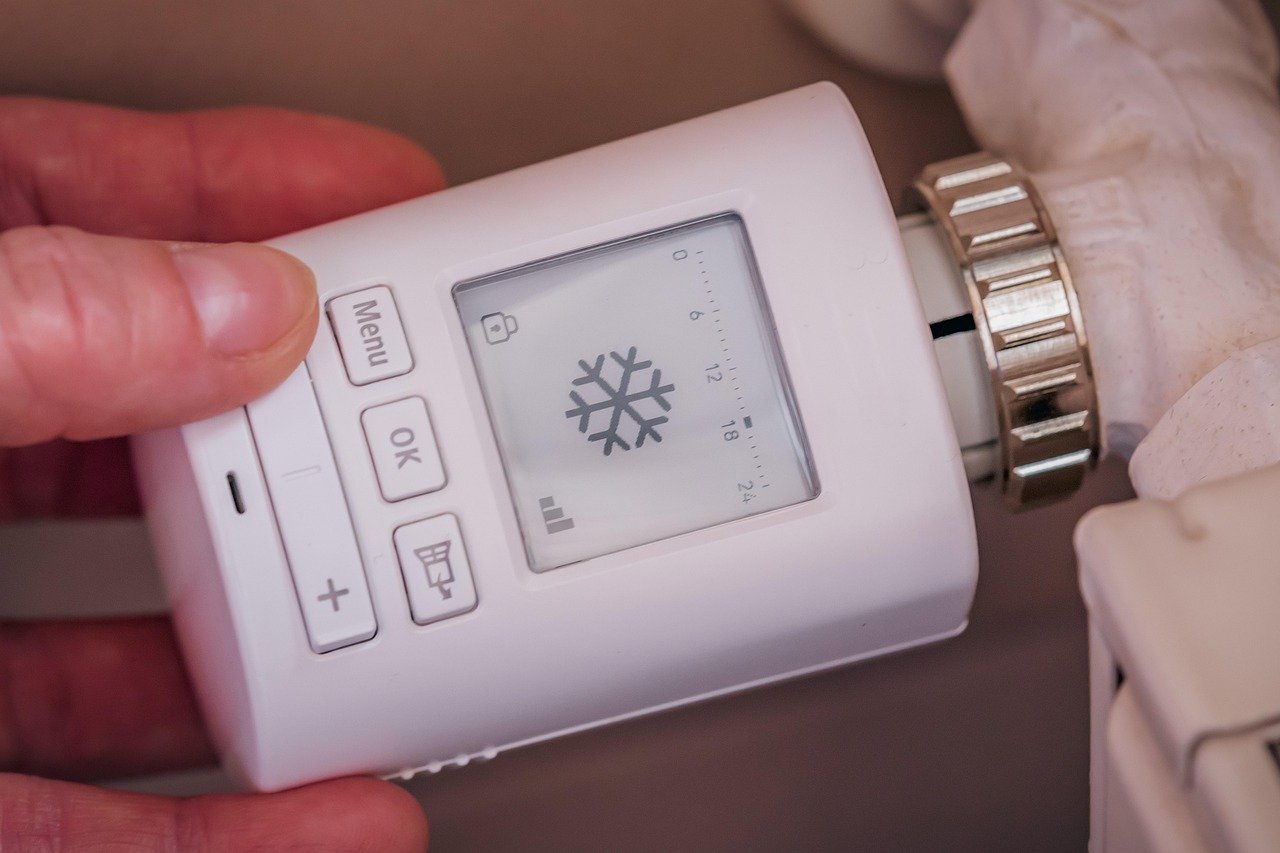
- Sensors and fan control: thermostats with sensors can identify hot and cold spots and run the system’s fan to even them out without heating or cooling. This helps if one room never matches the rest.
- Learning schedules: according to Daikin, the thermostat observes when you usually adjust the temperature and then adapts, so heating or cooling is not run when it is not needed.
- Usage summaries: a monthly summary of energy use gives you feedback that a basic programmable model does not.
What a programmable model still does well
The cheapest programmable versions cost only around $20, according to Chariot Energy. If your routine is steady and you will actually set and maintain a schedule, a programmable model can deliver the same basic setback behaviour. A smart model earns its extra cost when your routine varies, when you want remote control or when you want room sensors and feedback. Compare current prices for the specific models you are considering, since smart devices vary widely.
Installation and compatibility
Compatibility is the step most likely to derail a purchase. Work through these actions in order before you order a device.

- Check your wiring first. Energy Trust of Oregon advises making sure your existing wiring system is compatible before you purchase a smart thermostat. Compare the maker’s wiring requirements with what is behind your current thermostat.
- Look for ENERGY STAR certification. Efficiency Smart notes that ENERGY STAR-certified smart thermostats are compatible with most HVAC systems, especially forced-air systems installed after 1975. Older or unusual systems still need the wiring check.
- Identify your heating type. If you have a heat pump, plan your schedule before installation, because heat pumps respond differently to setbacks (see the winter section).
Winter setup: setpoints and setback schedule
Daikin suggests trying around 20°C (68°F) in winter when you are home, with a lower temperature overnight or when you are away. That lowered period is your setback schedule. Treat the figure as a starting point and adjust it to your comfort.
The temperatures you program decide the outcome. Chariot Energy warns that you will never save money if you program temperatures that keep your HVAC running too hard. A smart thermostat does not override poor settings.
If you have a heat pump
Heat pumps are the main exception to the setback advice. According to Efficiency Smart, lowering the temperature while you are away can make a heat pump switch to auxiliary heating mode. That auxiliary electric heat can reduce or cancel the savings. In winter, avoid schedule-based or location-based setbacks on a heat pump unless your system handles recovery without auxiliary heat.
Summer setup
For cooling, Daikin suggests 25°C (78°F) or higher. The logic mirrors winter: raise the setpoint when the house is occupied and avoid settings that make the system work too hard. If rooms feel uneven, a sensor-equipped model that runs the fan can help move air without actively cooling.
Ongoing review and troubleshooting
Savings are not guaranteed by the device alone. Honest Air notes that results depend on daily habits, system condition, and insulation and air sealing, and that poor insulation or air leaks can undermine efficiency improvements. Use the checks below when results disappoint.
- Bills have not changed: review your setpoints against the winter and summer starting points above. Settings that keep the system running hard erase any benefit.
- Heat pump costs rose in winter: remove deep setbacks and location-based schedules to avoid auxiliary heat.
- Some rooms stay uncomfortable: try a sensor-equipped thermostat that can run the fan, and check for air leaks and insulation gaps first.
- The schedule no longer fits your routine: a learning thermostat adapts to your adjustments, so check that its pattern still matches how you actually live.
- The house loses heat quickly: fix the envelope before expecting thermostat savings. A cold or damp lower level is a common place to start, and how to insulate a basement covers that work. If you are planning new walls rather than patching old ones, natural building methods cover wall options worth comparing.
Once the thermostat is set up, compare its monthly summary with readings from your plug-in meter or whole-house monitor. That comparison shows whether heating and cooling changes are behind the shift in use or something else is.
Frequently asked questions
What is a setback schedule?
It is a programmed period when the thermostat holds a lower winter temperature, typically overnight or while the home is empty, then returns to the comfort setting. It works well with most systems but needs care with heat pumps.
Can a smart thermostat tell me my whole home’s electricity use?
No. Its monthly summary covers the energy use it can observe through the heating and cooling system. For total home use, a whole-house monitor is the more suitable tool.
Is a programmable thermostat enough?
It can be, if your weekly routine rarely changes and you keep the schedule up to date. Choose a smart model when you want remote control, room sensors or automatic adjustment to a changing routine.